 Resale Record
Quick start
Install Resale Record, sign in and log your first pickup in about five minutes, then connect eBay if you sell there.
This page takes you from install to your first logged pickup. Every step after it is optional.
1. Install the app#
Android: install Resale Record from Google Play (in the US for now; Android 8.0 or later).
iPhone or iPad: Resale Record is in a private beta on TestFlight. Open your invite on your iPhone or iPad, install TestFlight if you do not have it, then install Resale Record. Not on the list yet? Request beta access.
2. Sign in#
Choose Sign in with Apple (iPhone and iPad) or Continue with Google (Android), or Continue with email to create an account with an email address and password. See Subscription and account for password help.
3. Start your free trial#
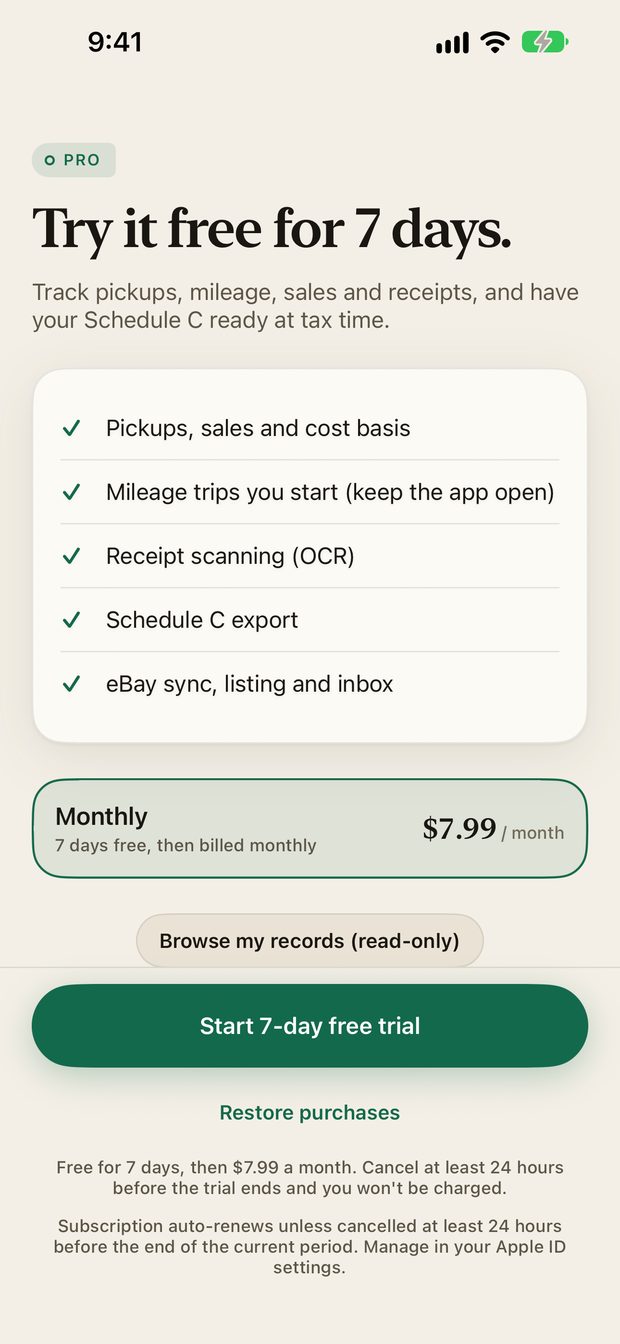
New accounts get a 7-day free trial. The price, the trial and the renewal terms are shown on the paywall before you subscribe. On Android, Google Play bills you when the trial ends. During the iPhone and iPad TestFlight beta, purchases run in Apple's sandbox, so you are not charged.
4. Log your first pickup#
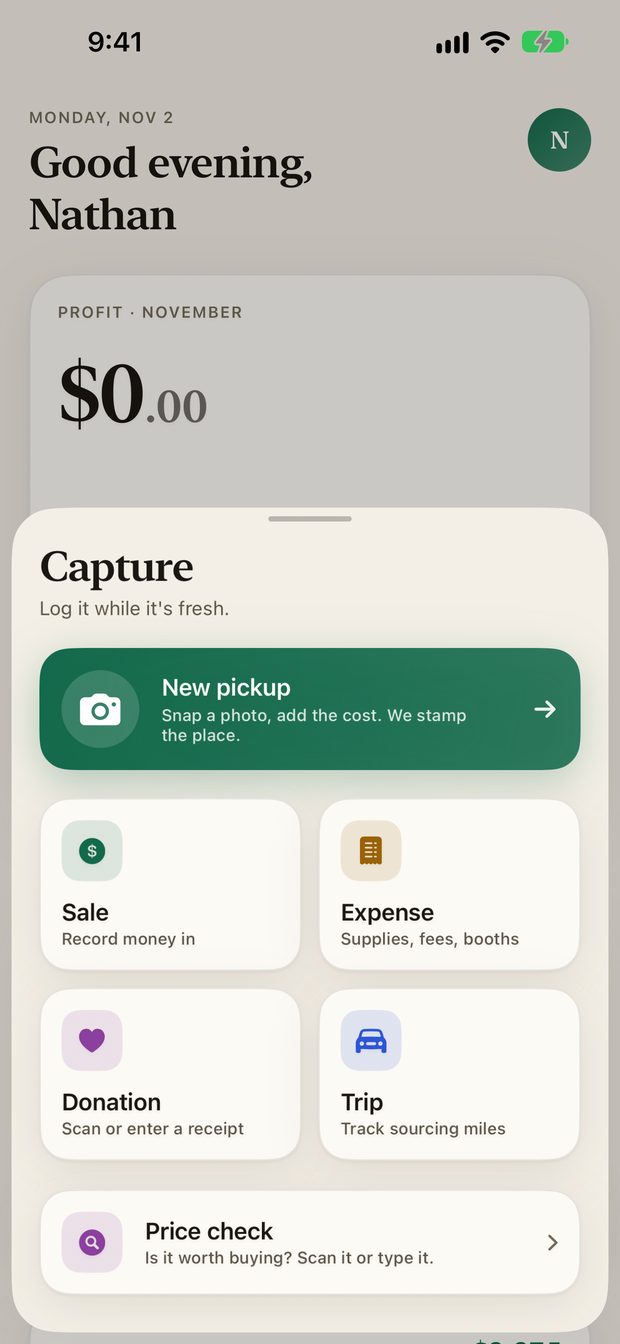
A pickup is something you bought to resell. Tap the green Capture button in the middle of the tab bar, then New pickup.
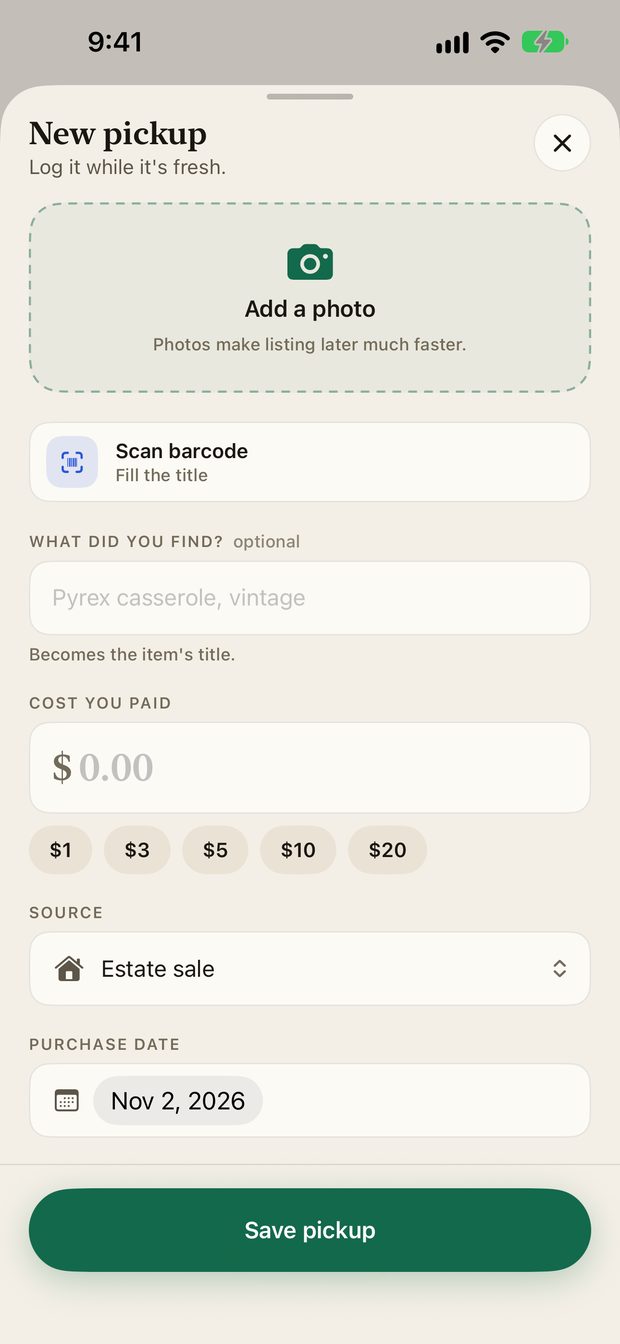
- Add a photo, or scan the item's barcode to fill in the title.
- Enter what you paid. The quick buttons ($1, $3, $5, $10, $20) cover the usual small buys.
- Choose where you bought it, such as an estate sale or a thrift store.
- Tap Save pickup.
The item now appears in your Pile.
5. Connect eBay (optional)#
If you sell on eBay, connect your seller account in Settings, eBay connection. Your orders then become sales automatically. See Connect eBay.
Where to go next#
- A tour of the app explains each tab.
- Import a spreadsheet brings in history you already track.
- Mileage records your sourcing trips for the tax deduction.
Something missing or out of date? Email [email protected] and tell us what you expected to see.