 Resale Record
Listings
See what you have live on eBay with price, watchers and time left, and prepare a new listing from a sold comparable. Nothing is published without your OK.
The Listings screen shows what you have live on eBay, including listings you created on eBay itself. Open it from the Listings button at the top of the Pile. It needs eBay connected.
What you see#
Each listing shows its price, how many people are watching and how long is left. Listings that are not yet in your Pile can be added with Add to Pile so your inventory matches what is live.
Create a listing#
There are two ways to start one.
- From an item, choose List on eBay.
- From a price check, choose List one like this to prepare a listing from a sold comparable.
A preview shows the title, price and details. You can edit them. Nothing is published until you confirm. The optional AI listing description uses your item title and pickup notes, and asks your permission first.
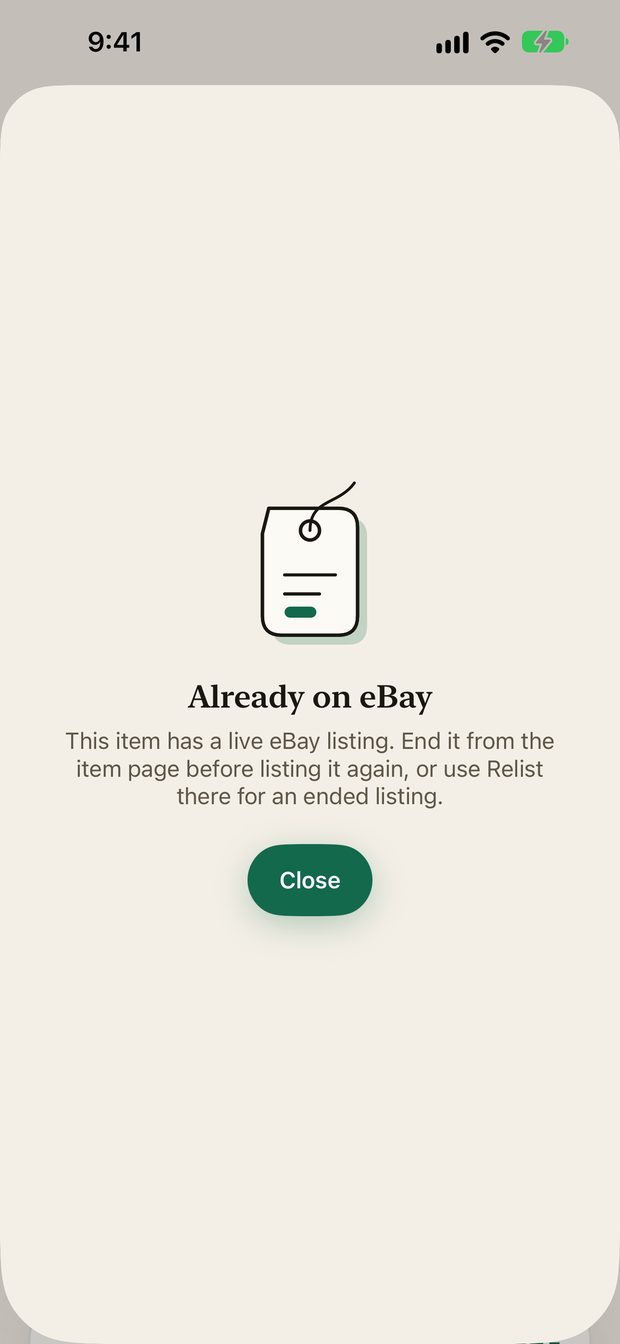
If an item is already live on eBay, the app tells you instead of creating a duplicate. End the old listing first, or use Relist for an ended one.
Manage a listing#
From an item in the Pile you can open Manage eBay listing, End listing or Relist.
Something missing or out of date? Email [email protected] and tell us what you expected to see.